Here we are going to talk about Annotative objects, they are great! If you are wondering how to turn off Annotation preview of the object you would probably know what Annotative object is, however i will paste here a small definition from Autodesk: Annotative objects and styles are used to control the size and scale at which annotation objects are displayed in model space or a layout. When using annotative objects, the process of scaling annotation objects is automated for you. Annotative objects are defined by specifying a paper height or scale, and then the annotation scales at which the they should be displayed for. An annotative object can have multiple scales assigned to, and each scale representation can be moved independently of each other.
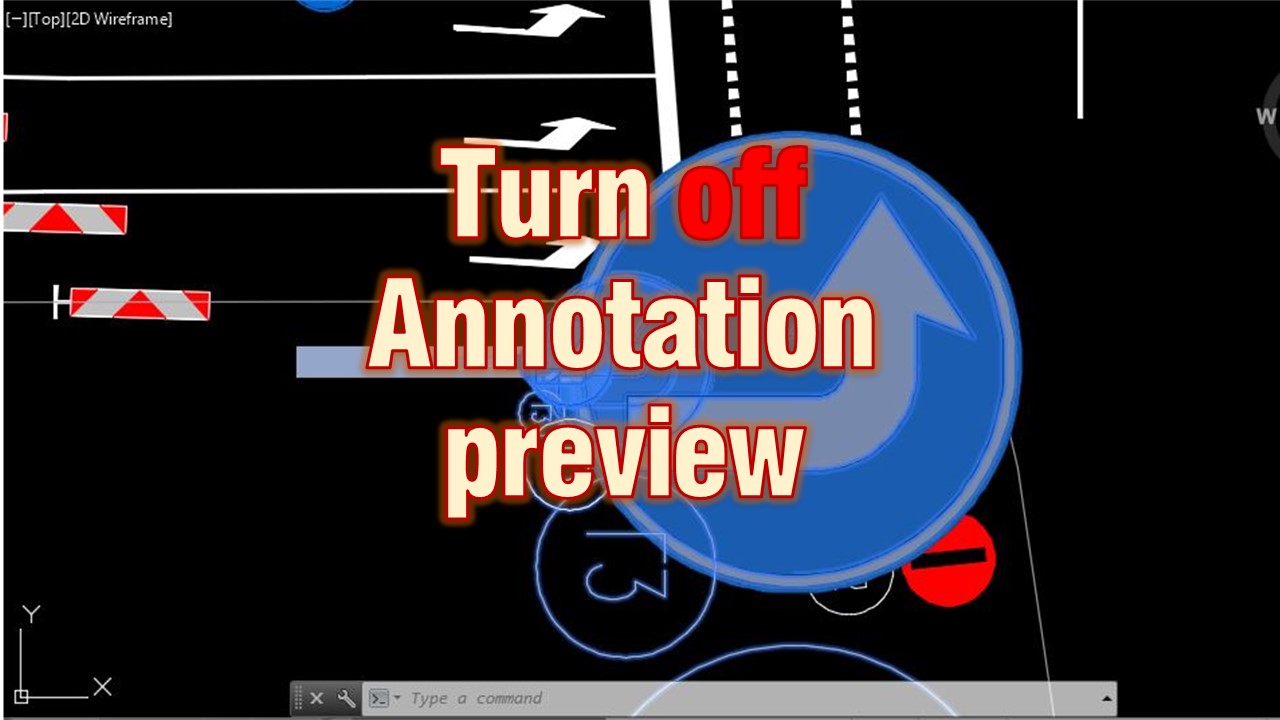
Now there is one little “problem” with Annotations - when you select an Annotative object which has some scales set up it will show them to you, but it can sometimes be a bit too much like in this example: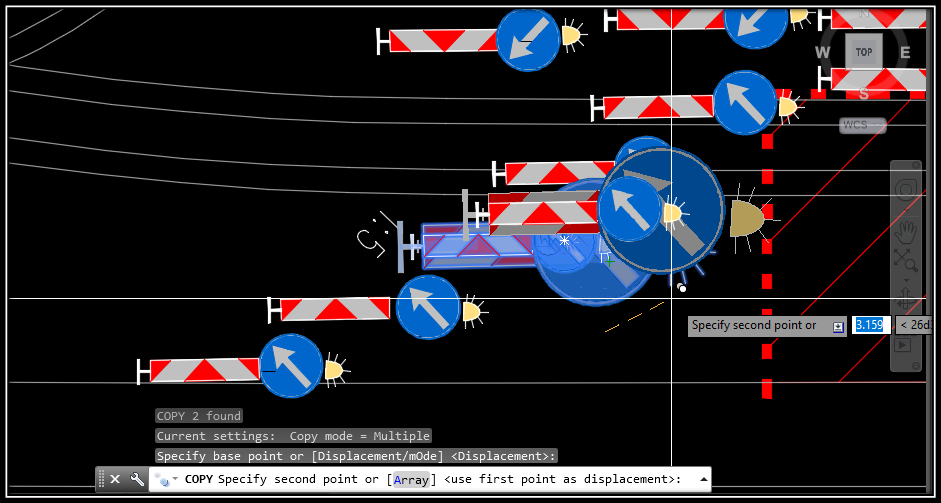
This behavior is controlled by the AutoCAD variable SELECTIONANNODISPLAY. To turn the preview off fallow these two steps:
- On the AutoCAD command line, enter selectionannodisplay
- When prompted to enter a new value, enter 0
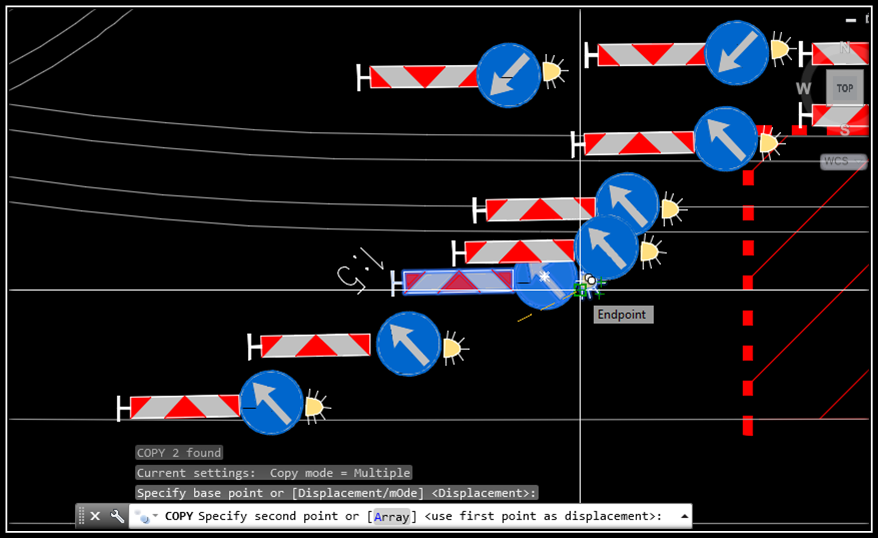
This is all ! To re-enable the preview, set the value of the variable to 1
When to use it
Use this when you work with annotative text, dimensions or blocks that have several scales assigned. Every time you select one, AutoCAD shows all of its scale representations, and on a busy drawing this clutters the screen and makes it hard to see what you are selecting.
Tips and common mistakes
- The setting is a variable, so you type its name on the command line and then enter the new value: 0 for off, 1 for on.
- Turning the preview off only changes what you see when you select an object. The scales assigned to the object stay as they were.
- A typing error in the variable name is the usual reason nothing happens. If AutoCAD does not ask for a new value, check the spelling.
Related tutorials
Try it on your own drawing
TerraDraft Lite is free to download.