

AutoCAD Guides
Open or Edit In-place? How to edit our Referenced drawing?
Edit an AutoCAD Xref the right way: open it from the host drawing or edit it in place, and know when each method suits your drawing best.
AutoCAD Guides
Additional EXTRAS with Xrefs! What options do we have?
Get more from AutoCAD Xrefs: change reference layers locally, clip an Xref with a custom boundary, and use unload, reload and detach.
AutoCAD Guides
Xref - choosing our Path Type
Choose the right Xref path type in AutoCAD, No path, Full path or Relative path, so references are still found when you move the project folder.
AutoCAD Guides
Xref Attach or Overly? What is the difference?
Attach or Overlay in AutoCAD Xrefs? Learn how each reference type behaves with nested drawings and which one to pick for your project files.
AutoCAD Guides
Using Xref first step! How to attach Xref?
Attach an Xref in AutoCAD with the Insert ribbon or the XR command, using a house plan and furniture drawing example and the main attach options.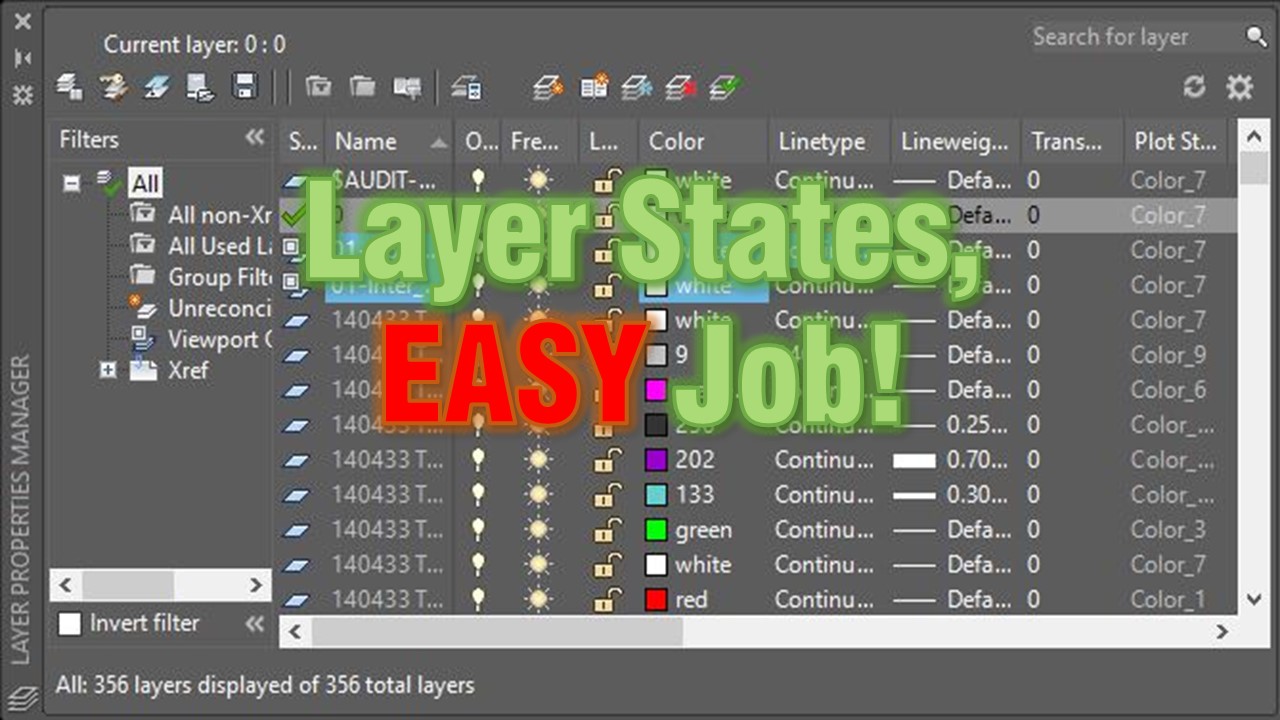
AutoCAD Tips
How to Copy Layer Settings to Another Drawing (Copy Layer Properties)
Copy layer settings to another AutoCAD drawing or viewport with Layer States. Save, export and import a .las file, shown with a grading plan example. AutoCAD Tips
Layer States, EASY Job! What is Layer States and how to use them?
AutoCAD Layer States save your layer settings so you can restore them anytime. See how to reuse a grading plan view in an xref drawing.
AutoCAD Tips
How to Turn off Annotation scale Preview
Turn off the annotation scale preview that appears when you select annotative objects in AutoCAD by setting SELECTIONANNODISPLAY to 0.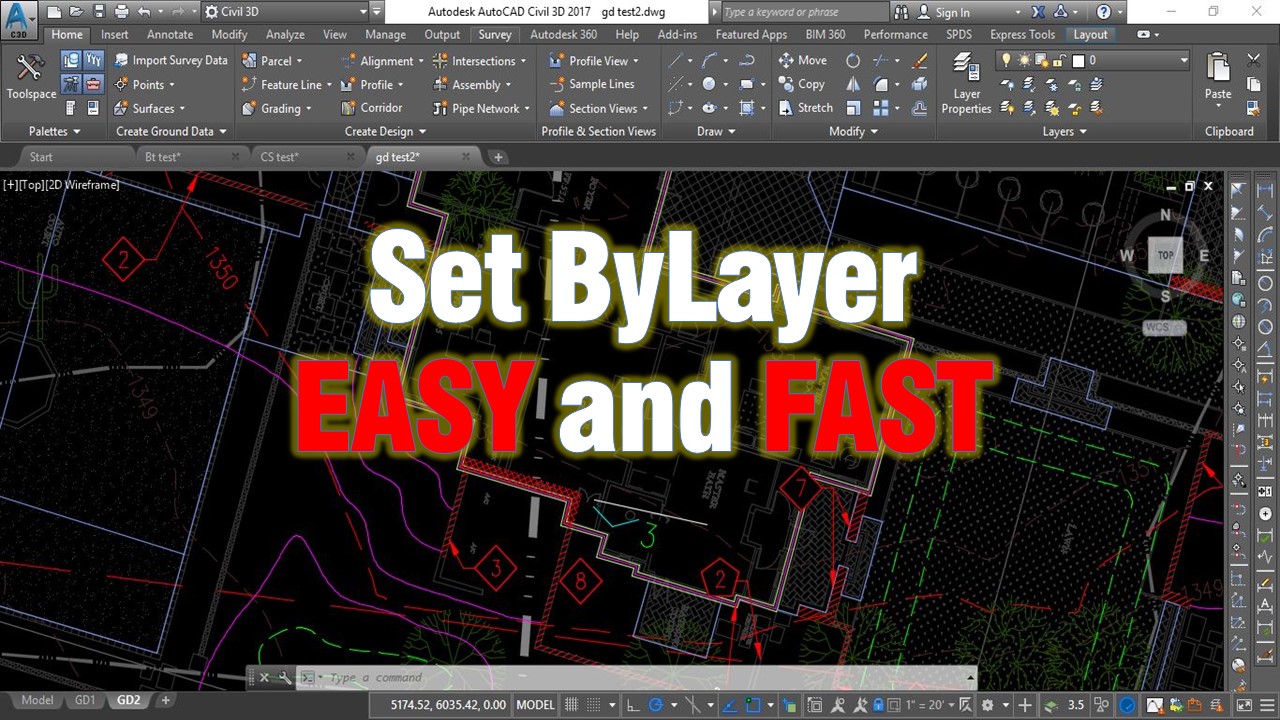
AutoCAD Tips
Change multiple objects to ByLayer Effortlessly!
Use the AutoCAD SETBYLAYER command to reset color, linetype, lineweight, material and transparency of selected objects to ByLayer in one step.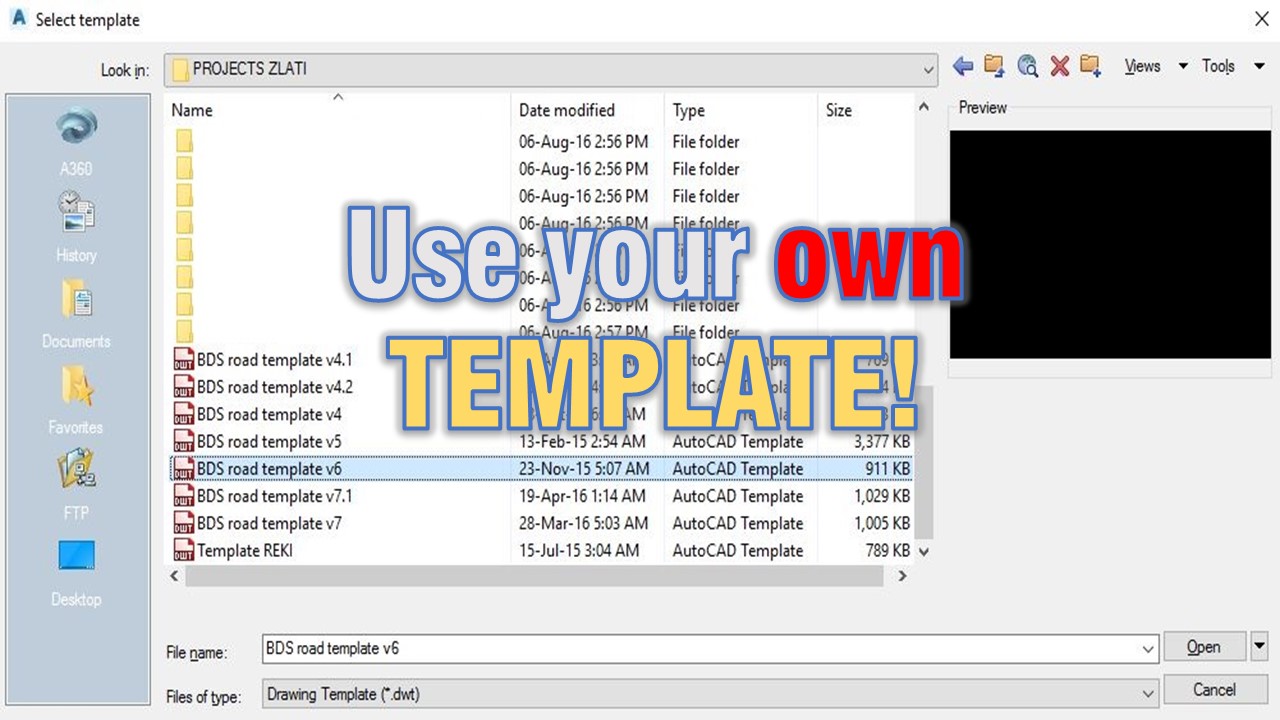
AutoCAD Tips
Use your own TEMPLATE! (Create your own CAD standards!)
Why every drafter should start from their own AutoCAD template with proper layers and Civil 3D styles, and how it builds consistent CAD standards.
Civil 3D Guides
How to Assign Elevations to Feature line from Existing Surface.
Assign elevations to a Civil 3D feature line from an existing surface. Create a feature line, then apply Elevation from Surface in two steps.
AutoCAD Tips